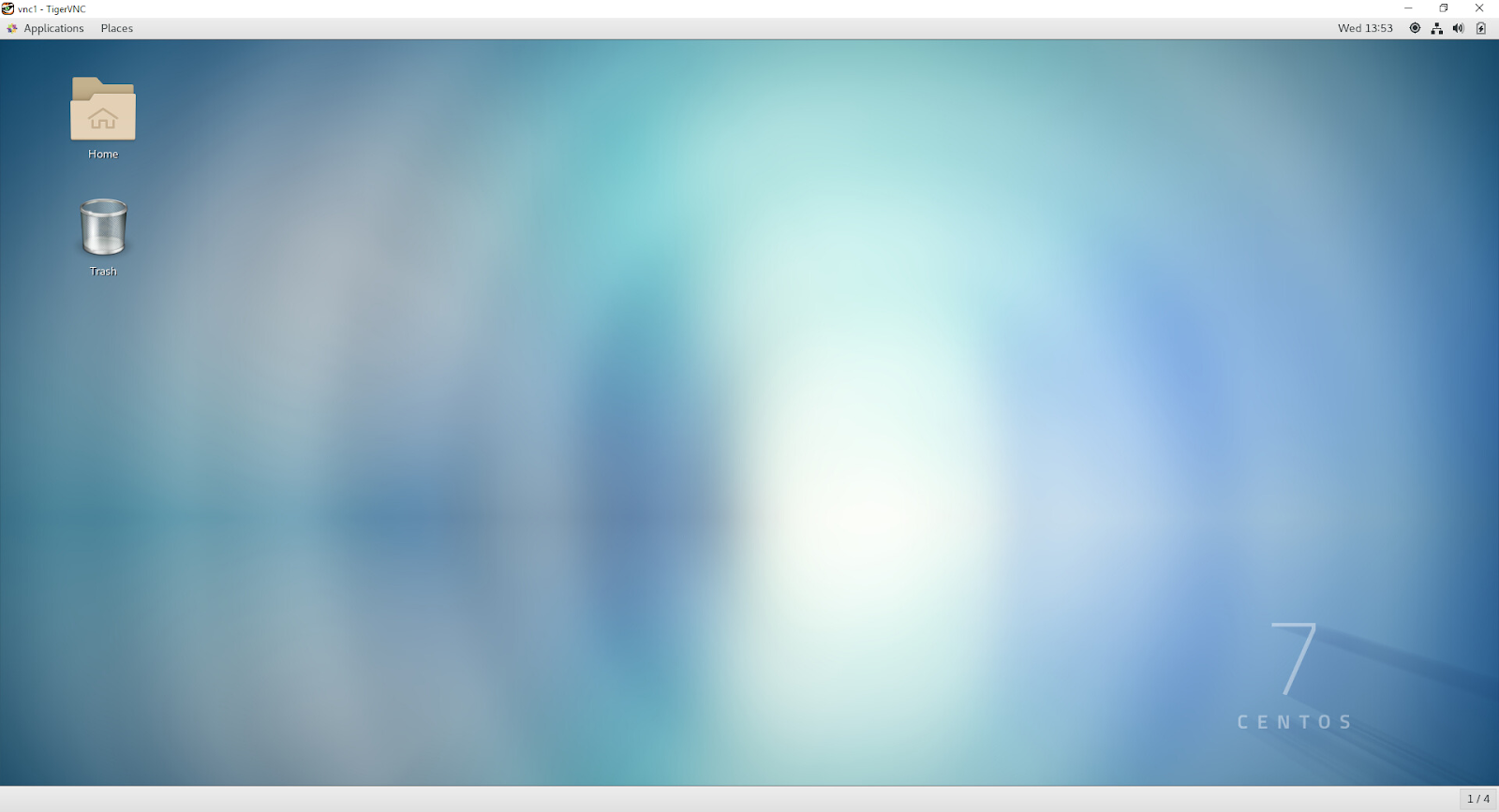
Set up remote GUI access to a Linux host from a Windows host with VNC (Virtual Network Computing) . It's easy and takes only a few minutes. It took me way longer to document it than to do it, and I had not done it for a few years, so that included time to research. When using virtual machines, GUI access can be very clunky even when the VM is hosted on your own fast, powerful, local machine. VNC provides a much faster and better experience. Description: vncserver is used to start a VNC desktop. vncserver is a Perl script which simplifies the process of starting an Xvnc server. It runs Xvnc with appropriate options and starts a window manager on the VNC desktop. Here is a good implementation of VNC: TigerVNC http://tigervnc.org/ Install the server software on the Linux host. Install the server on the Linux host. I use CentOS 7. I did this as root. You can use sudo if it makes you happy. yum install tigervnc-server.x86_64 View documentat...
A few weeks ago I found this definition of a date dimension table, created by a smart person named Nicholas Duffy . I'm placing it here so I can find it easily. DROP TABLE IF EXISTS dim_date; CREATE TABLE dim_date ( date_dim_id INT NOT NULL, date_actual DATE NOT NULL, epoch BIGINT NOT NULL, day_suffix VARCHAR(4) NOT NULL, day_name VARCHAR(9) NOT NULL, day_of_week INT NOT NULL, day_of_month INT NOT NULL, day_of_quarter INT NOT NULL, day_of_year INT NOT NULL, week_of_month INT NOT NULL, week_of_year INT NOT NULL, week_of_year_iso CHAR(10) NOT NULL, month_actual INT NOT NULL, month_name VARCHAR(9) NOT NULL, month_name_abbreviated CHAR(3) NOT NULL, quarter_actual INT NOT NULL, quarter_name VARCHAR(9) NOT NULL, year_actual INT NOT ...
Here's how I stopped the flickering pointer in Windows Explorer on my Vista PC with a Radeon HD 4850 video card : Right click on the Computer icon on the desktop, choose Properties > Device Manager > Sound, video and game controllers. Right click on ATI HDMI Audio and choose Disable. Restart the computer, and the flickering is gone.
Comments